
Compress image to 80KB
An 80KB ceiling can work for compact profile photos and image attachments. Set the quality priority, then confirm the measured result and dimensions.
Compression target
Maximum 80 KB
Your result may be smaller than the limit. Its real size and percentage saved appear after processing.
Sample comparison
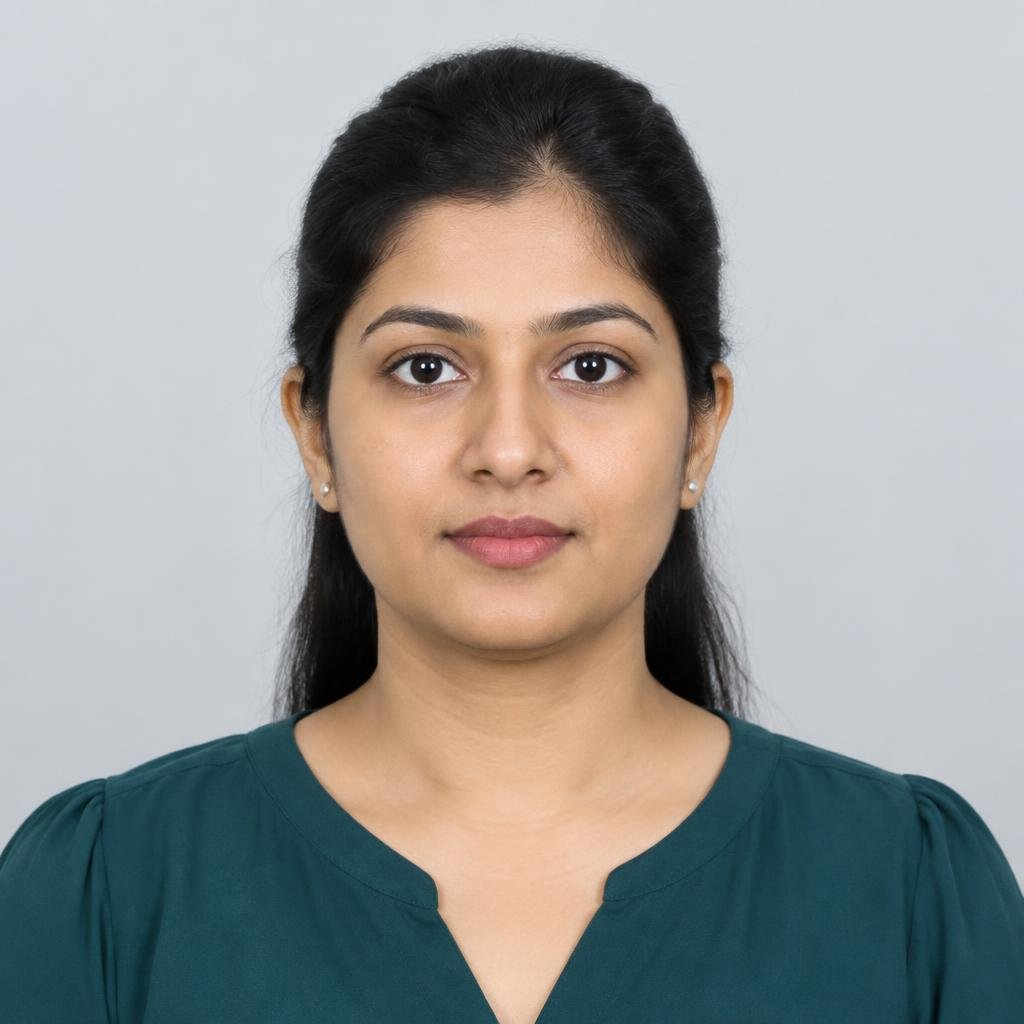
Before and after: 80 KB target
This sample is compressed in your browser using the selected mode and format. Its measured result may be below the target because the target is a maximum.
About this file size
Working with a 80 KB image limit
At 80KB, a well-framed selfie or portrait can retain more smooth tonal transitions than a much smaller file. Sharp source focus matters: compression can reduce file weight, but it cannot fix motion blur or poor lighting. For identity checks, follow the institution's own guidance for crop, expression, and accepted file type.
Examples describe common upload scenarios, not guaranteed portal specifications. Check the current instructions from the organization receiving your image.
Where this size can help
Format and clarity guide
| Expected clarity | Suggested format | Starting resolution |
|---|---|---|
| Good for a small portrait; zoom in to review fine features | JPEG is widely supported; WebP can retain more detail per byte | About 500–1,200 px on the longest edge |
80 KB compression questions
Is 80KB enough for a KYC selfie?
It may fit some workflows, but KYC providers set their own limits and image checks. Confirm the instructions for the specific service.
What resolution should I use at 80KB?
A longest edge around 500–1,200 pixels is a practical starting range for a compact image, not a portal rule. Check the final dimensions shown.
Does the tool upload the photo for processing?
No. Compression and preview generation happen inside your browser.
Why is my output below the 80KB cap?
The compressor aims to stay within the limit while retaining quality. Depending on the image, a smaller file may be the best result.
Compress image by size
Need pixel dimensions?
Browse the separate resize image tools.