
Compress image to 40KB
A 40KB ceiling gives compact photos a little more room for facial detail. Start with the preset, then compare the actual result before saving.
Compression target
Maximum 40 KB
Your result may be smaller than the limit. Its real size and percentage saved appear after processing.
Sample comparison
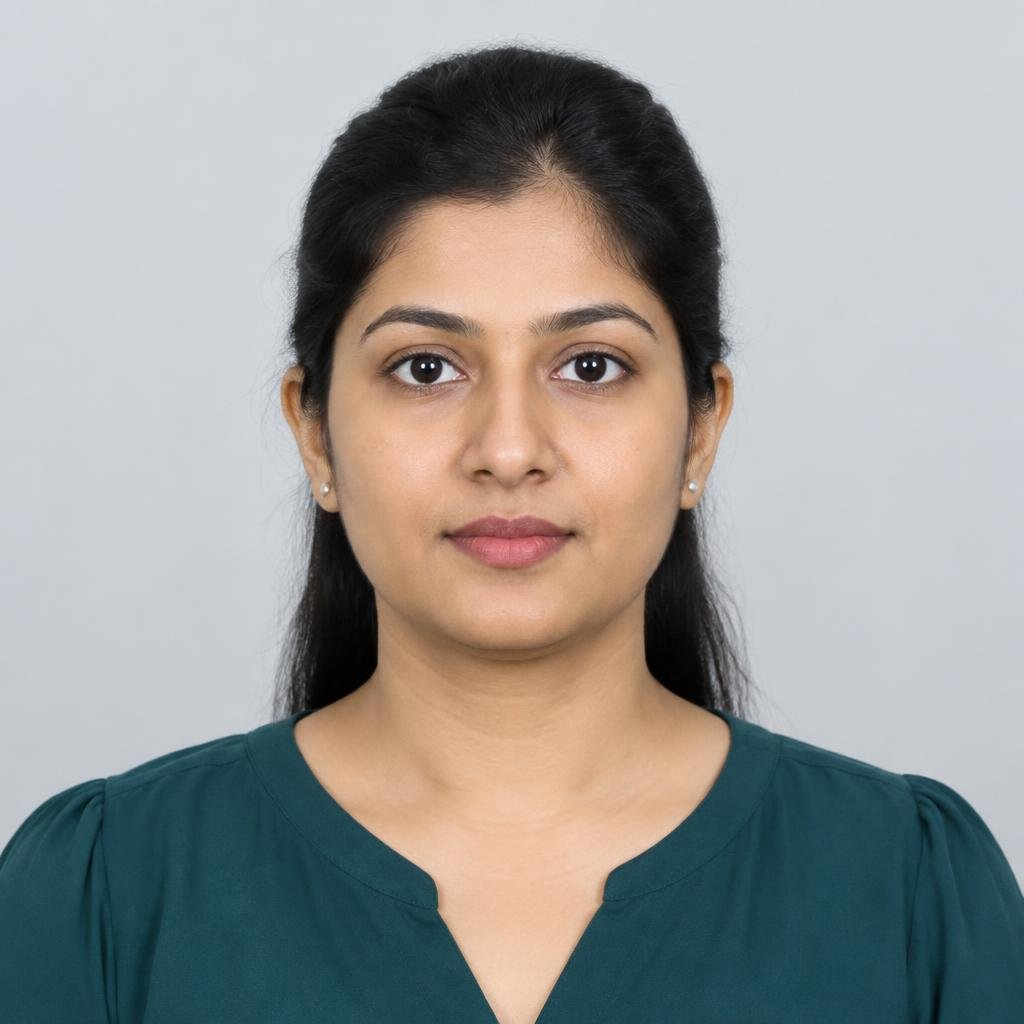
Before and after: 40 KB target
This sample is compressed in your browser using the selected mode and format. Its measured result may be below the target because the target is a maximum.
About this file size
Working with a 40 KB image limit
The move from 30KB to 40KB may preserve subtle tones in a portrait, particularly when the original is well lit and tightly framed. It does not guarantee a specific portal will accept the image: file extensions, pixel dimensions, and maximum byte counts are separate checks. Review all three against the destination's current instructions.
Examples describe common upload scenarios, not guaranteed portal specifications. Check the current instructions from the organization receiving your image.
Where this size can help
Format and clarity guide
| Expected clarity | Suggested format | Starting resolution |
|---|---|---|
| Recognizable portrait detail with some fine texture loss | JPEG for broad acceptance; WebP for smaller files | About 360–900 px on the longest edge |
40 KB compression questions
Will 40KB keep my face clear?
A clean close-up can remain recognizable, but detail varies with lighting, noise, and dimensions. Use the side-by-side preview.
Can 40KB meet a government-form requirement?
Some forms may specify limits in this range, but requirements differ. Check the relevant official form before relying on a preset.
Can I choose WebP for a 40KB result?
Yes. Choose WebP or JPG in output settings; use the option your destination accepts.
Is the original overwritten?
No. The original remains unchanged on your device. Download the compressed copy separately.
Compress image by size
Need pixel dimensions?
Browse the separate resize image tools.